
A computer for your AI agents.
Give every model in Open WebUI a real computer to work on. It runs the commands, edits the files, executes the code, and drives the browser and desktop, on infrastructure you own.
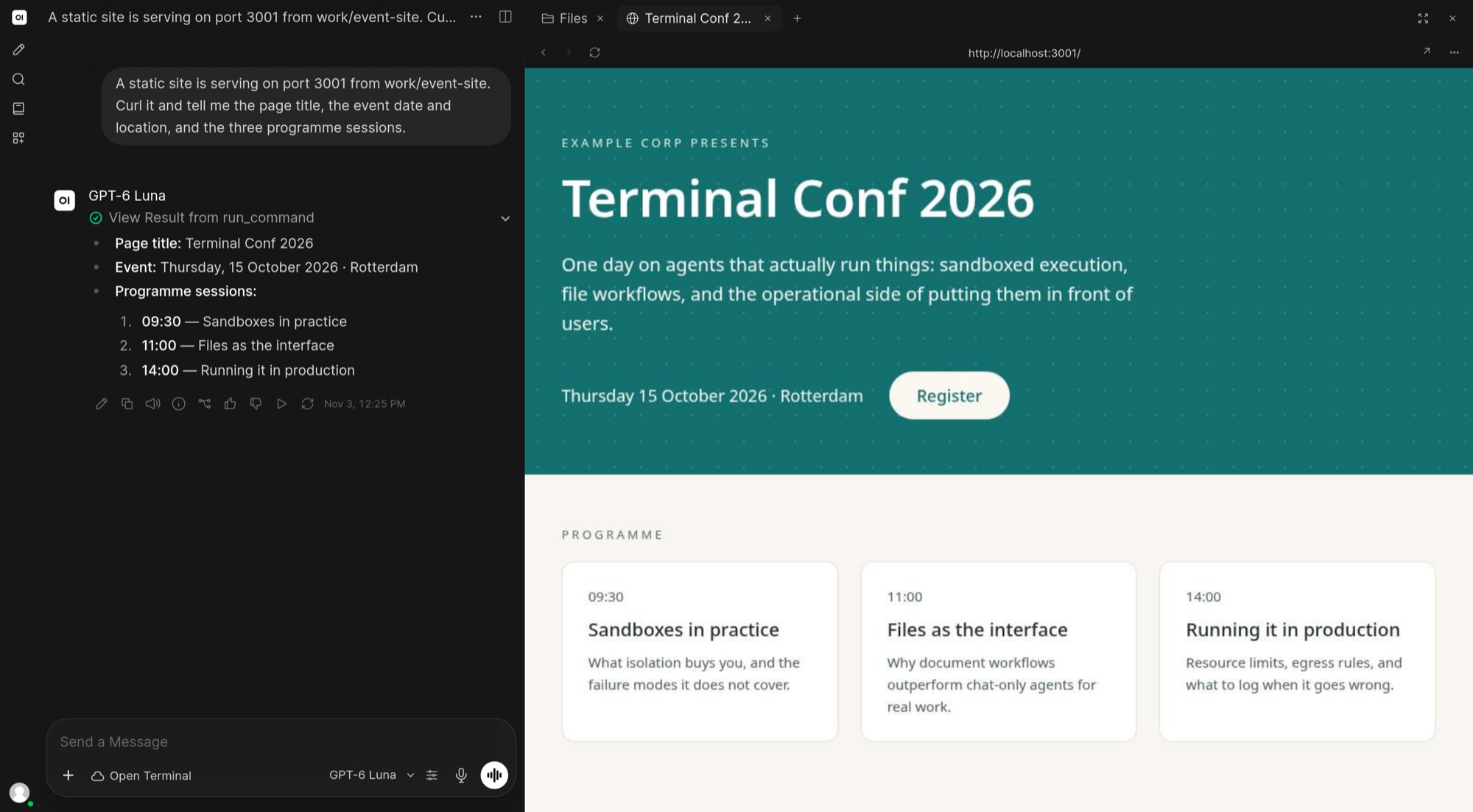
The agent serves a site from the terminal, and you preview it beside the chat.

“Your computer is the most powerful thing you own. And the moment you stand up from your desk… you lose it. Every file, every terminal, every running job, trapped in a chair. Today, that ends.”
The terminal, right beside the chat.
In Open WebUI, the file browser and terminal panel sit next to the conversation, so you see what the agent is doing as it does it.
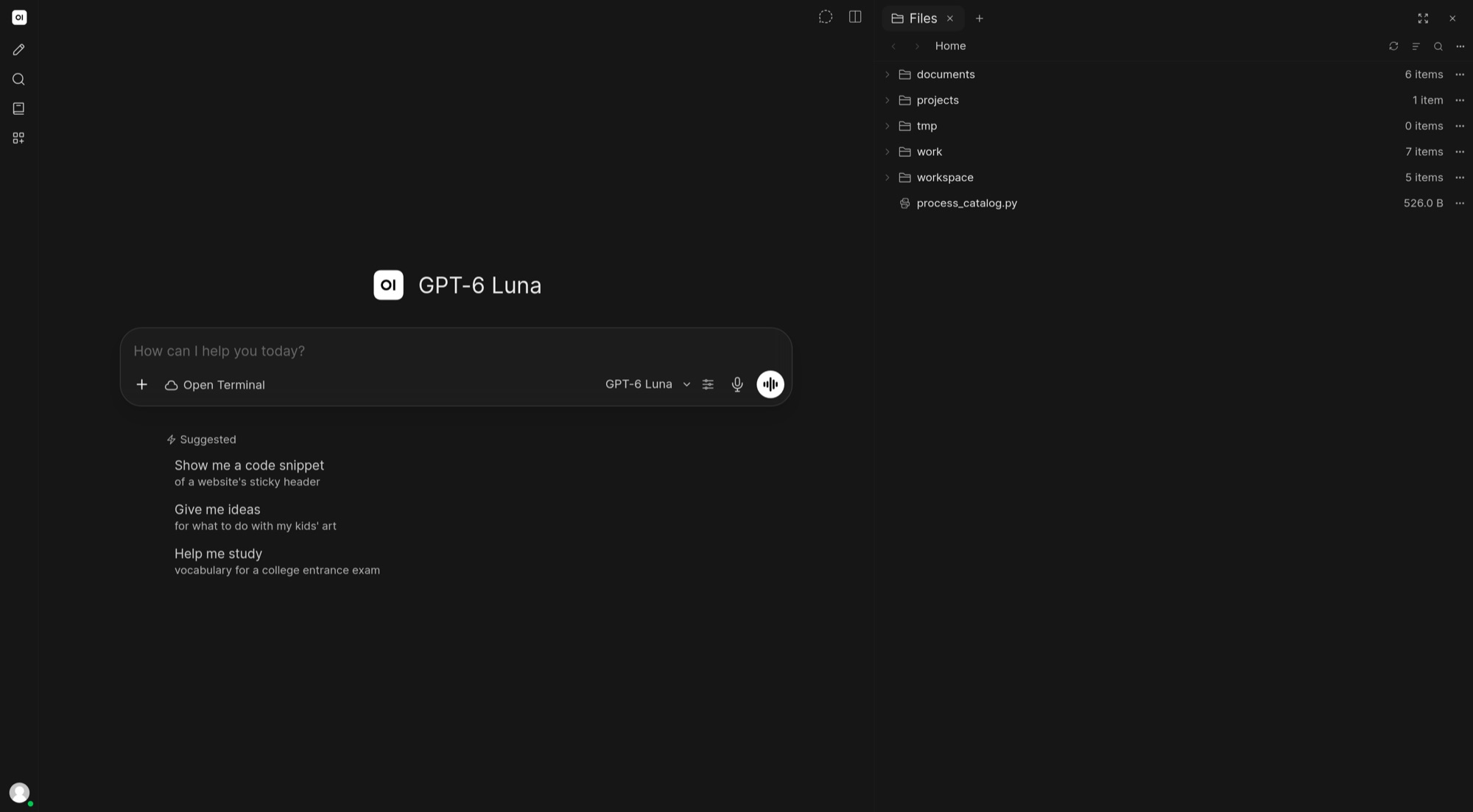
Browse the workspace, open what the agent wrote, and review its changes, diffs, and commit history in the Git panel.
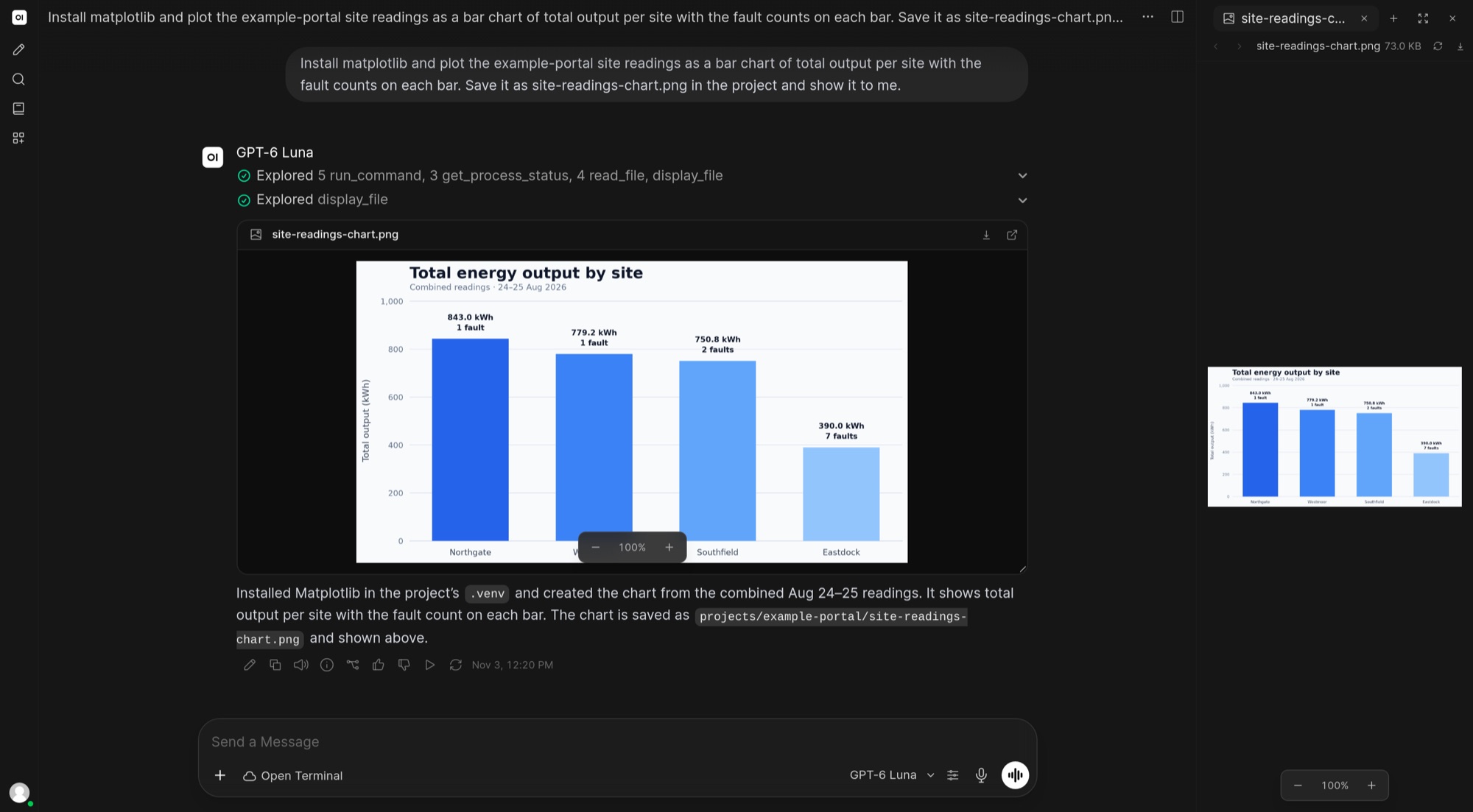
The model installs what it needs, runs the code, and shows you the result it saved.
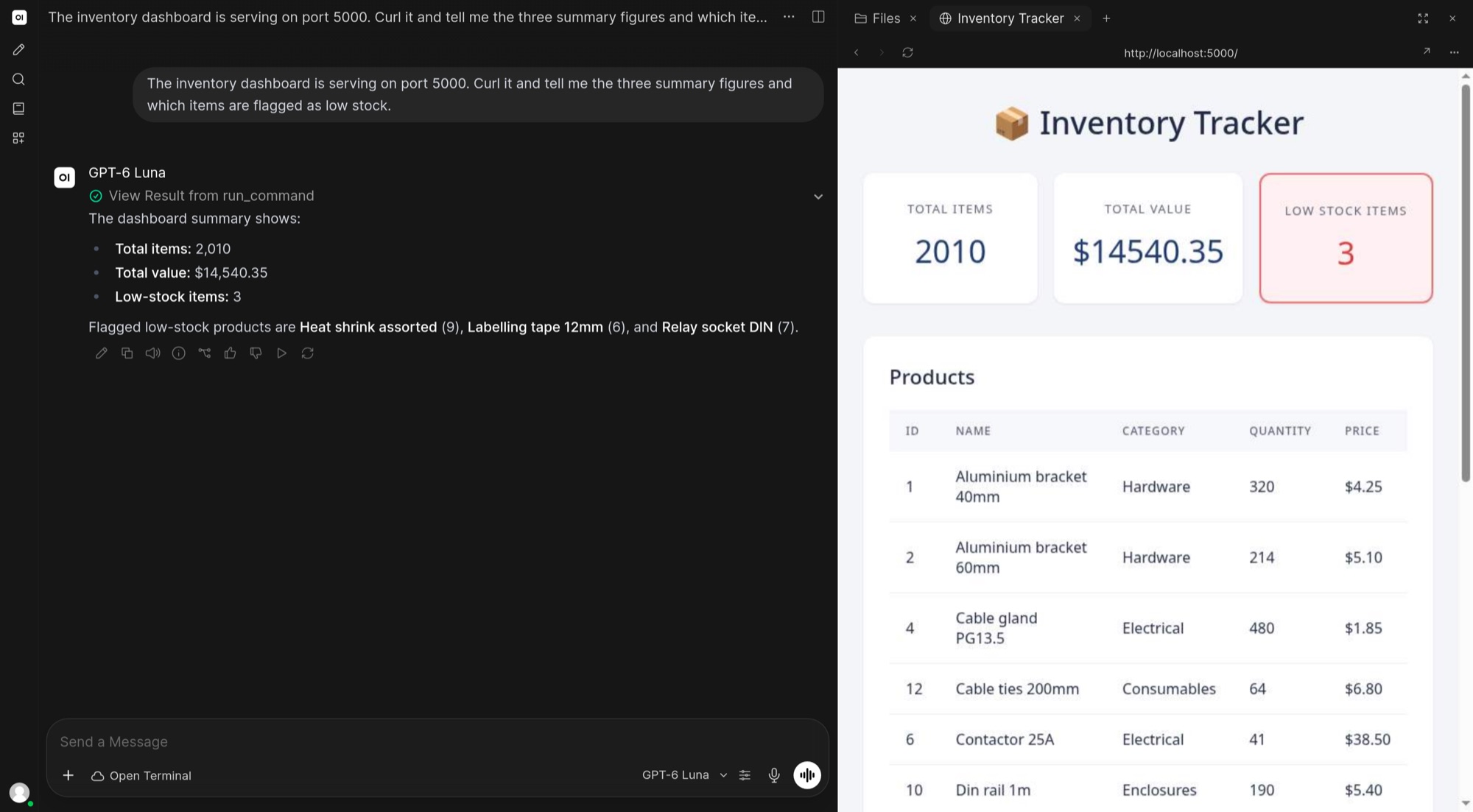
Serve an app or a site from the terminal and preview it next to the conversation.
Run it once. Your agents get a computer.
One Docker command or one pip install, on a server or on your own machine.
Add its URL and API key under Settings → Admin → Integrations → Open Terminal, then enable the connection.
Select the terminal in chat, and the model you are using can run commands and edit files there.
Everything an agent needs to finish the job.
Most chats end with steps you still have to follow. With Open Terminal, the model follows them itself and hands back the script, report, chart, or website.
Codex, Claude Code, Cursor, Grok, OpenCode, Cline, Gemini CLI, and Pi run inside the terminal with your own sign-in, and show up in the Open WebUI model selector.
Python, Node.js, build tools, Chromium, a Linux desktop, LibreOffice, and LaTeX come preinstalled, the agent can install anything else it needs, and the workspace is still there in your next chat.
Your infrastructure, your rules.
Run it on your own Mac or PC, and the agent works on your real projects, files, and tools. Or run it in Docker on a server to keep it in a sandbox. Either way, nothing goes through a vendor cloud.
The Tether desktop app connects your computer to your Open WebUI. It dials out, so there are no ports to open, and you can hand it work from any browser, including your phone.
Running in one command.
Then add its URL and API key in Open WebUI under Settings → Admin → Integrations → Open Terminal. Without a key, one is generated and printed at startup.
Read the documentationFree and open source. Isolation for teams.
Use it anywhere, including at work. No account, no card, no license key.
A separate, isolated Open Terminal container for each user, started on demand on Docker or Kubernetes. Requires an Open WebUI Enterprise License.
The questions you are already asking.
- What does it cost?
- Open Terminal itself is free and open source under a permissive license, including for commercial use. You still pay for the models you connect, and a separate, isolated container per user through Terminals requires an Open WebUI Enterprise License.
- Where does it run?
- On a server or computer you control, either in Docker or installed directly. Installed directly, it can do anything your user account can, so only give access to people and agents you trust.
- Which models work best?
- Strong frontier models. Finishing real work takes many rounds of trying, checking, and fixing, and smaller models often lose the thread.
- Can I use my Claude Code or Codex subscription?
- Yes. Sign in to Claude Code or Codex inside the terminal, and their models show up in Open WebUI next to your others. Cursor, Grok, OpenCode, Cline, Gemini CLI, and Pi work the same way.
- Does it work with GPUs?
- Yes. The GPU image comes ready for NVIDIA GPUs and machine-learning work.
- Which image should I use?
- The standard image suits most teams. There are also versions with Codex and Claude Code preinstalled, one for NVIDIA GPUs, and lightweight ones for minimal setups.
- Can several people share one terminal?
- Yes, for small teams that trust each other. Everyone gets their own workspace, but they share one container. To keep people fully separated, use Terminals.
- How do I update?
- Get the latest version and restart it with the same storage. Your files carry over.